 Photo Filters
Free photo filters that run in your browser: drop in a photo, pick an effect, tweak it live and download a PNG. These never upload your photo.
Color
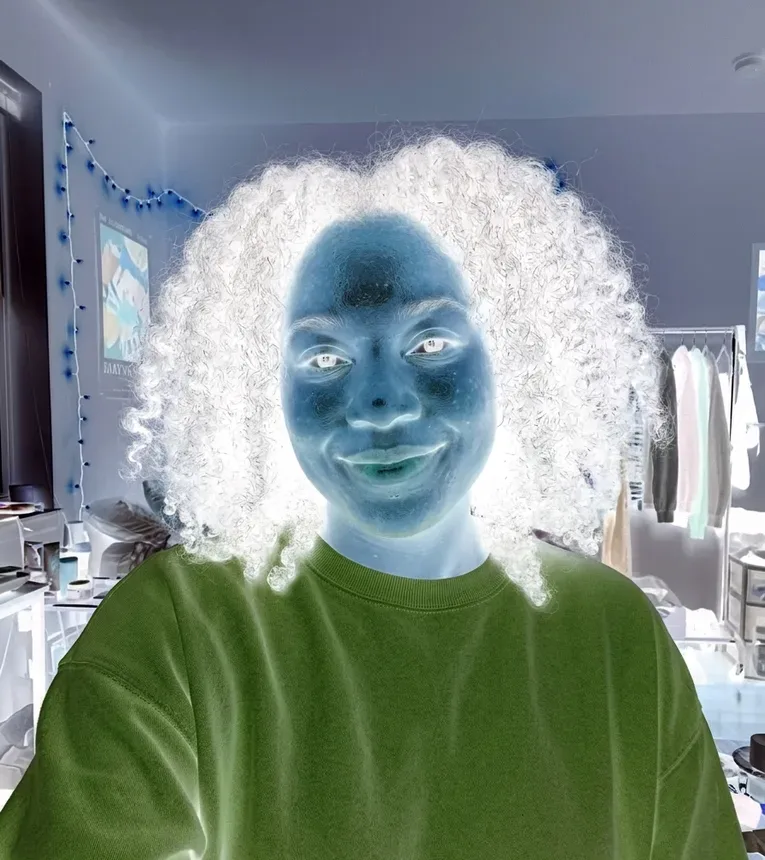

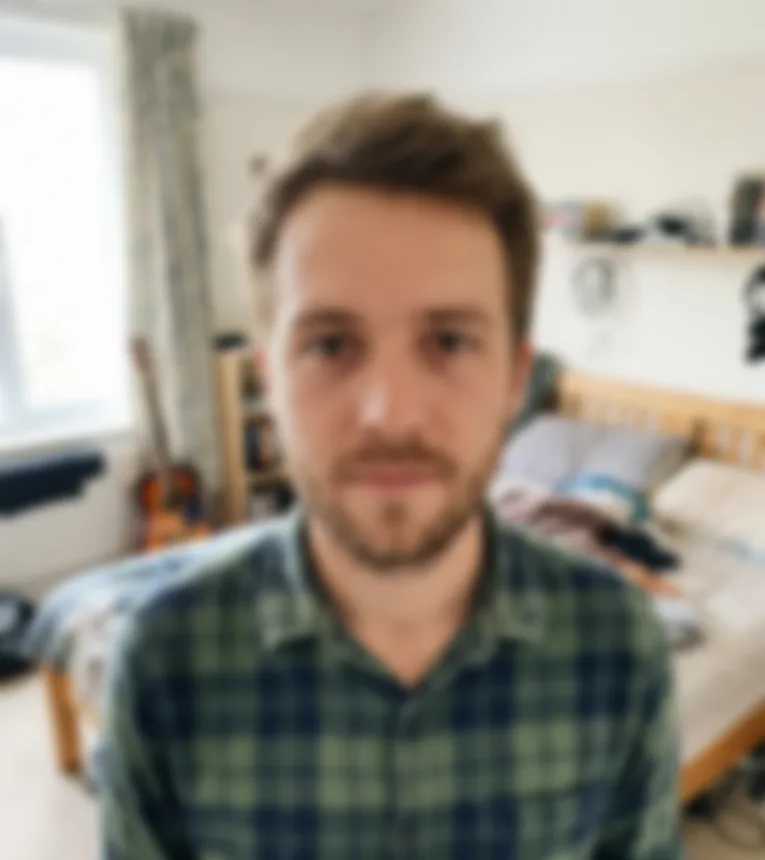
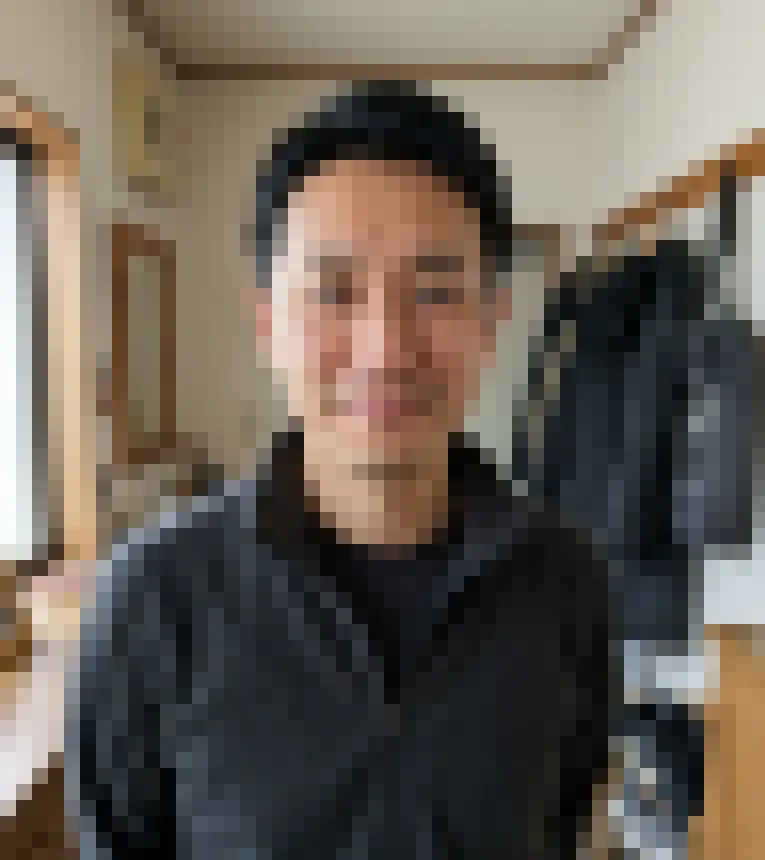
How to put photo filters on your pictures
Applying photo filters here takes four steps, with nothing to install and no account to make.
- 1
Drop a photo in the box
Drag a JPG, PNG or WebP onto the upload box, or click it to pick a file. The photo stays in this tab and is handed to whichever filter you open next.
- 2
Open a filter card
Pick any card in the Color, Blur and Pixel, Retro or Distort and Meme groups. Your photo is already loaded there, so the effect shows straight away.
- 3
Move the sliders and compare
Every control updates the preview as you drag; there is no apply button. Press and hold the preview, or hold Space, to see the original again, and use Reset settings to start over.
- 4
Download, then stack if you like
The main button saves a PNG named after your file and the filter. To combine two looks, open that PNG in a second filter, for example grain on top of a vintage fade.
Which filter for which picture
Start from what you want the picture to do; each of these photo filters suits a different job.
Hide faces before you post
Blur Face finds faces on its own and covers them with a blur, a mosaic or a solid black box. In our tests it found 12 of 13 faces across three photos and missed one small face, so check every face before sharing.
Make a new photo look like film
Vintage Filter fades the colors with a 70s, warm print or cool look and adds vignette and grain. Grain Filter adds only the grain, and Sepia Filter gives the brown tone of an old print.
Fake a home video still
VHS Filter adds color bleed, scan lines, tape noise and tracking lines near the bottom. It can also stamp PLAY in the corner and a date you type, such as JAN 01 1998.
Turn a snapshot into an instant print
Photos Into Polaroids crops the photo to a centered square and sets it in a white, cream or black frame. Write a caption of up to 30 characters in a handwriting-style font on the wide bottom border.
Pixel art, prints and zines
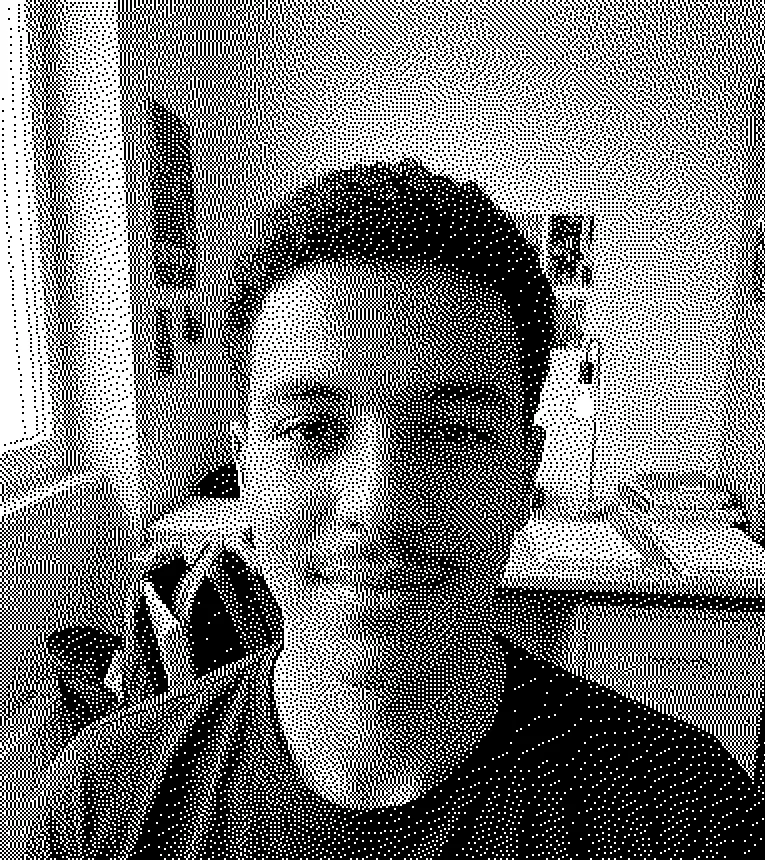
Dither rebuilds the picture from dots with Floyd-Steinberg, Atkinson or Bayer, in palettes from pure black and white to handheld green and CGA. Pixelate Image makes plain square blocks from 2 to 80 pixels.
Memes and reaction images
Meme Deep Fryer oversaturates, sharpens and re-encodes the picture as JPEG again and again until it crunches. Glitch Effect splits the red and blue channels and shifts slices sideways.
Strong black and white
Black and White Photo offers grayscale, high contrast or pure black and white with a threshold slider. Invert Image flips the colors to a negative, at full or partial strength.
Soften or bend the whole frame
Blur Image softens the entire photo with a radius from 1 to 60 pixels. Fisheye Effect bulges the middle like a door peephole, with an optional round crop on black.
Why these free photo filters run on your device
The 14 browser filters are image math on a canvas in your browser, not a server queue.
Your photo is never uploaded
Browser filters process your photo on your device and never upload it. In our tests no network request carried the photo. Closing or reloading the tab discards both the photo and the result.
No location data in the download
The PNG is drawn fresh from the canvas, so it carries none of the original's EXIF data. Camera details and GPS location stay behind in your original file.
A preview that keeps up with the slider
On a 2400 by 1600 photo in headless Chrome on a Mac, most filters redrew in 10 to 110 milliseconds. Deep fry took 300 to 390 ms because it re-encodes JPEG several times.
Free, no sign-up, no watermark
There is no account, no pricing page and no cap on photos or downloads for the browser filters. The PNG has nothing stamped on it.
Sized for screens and sharing
Photos are scaled down so the long side is at most 2400 pixels before the filter runs; smaller photos keep their size. Phone pictures come in the right way up.
Not AI, so nothing is invented
These photo filters change color, tone, texture and shape with fixed rules. They don't redraw faces, swap backgrounds or add objects that were not in the shot.
Browser photo filters, AI filters and full editors
Three kinds of digital photo filters, and what each one means for your picture today.
| Browser filters here | AI filters here | Full online photo editors | |
|---|---|---|---|
| Works today | Yes, all 14 | Yes, all 10 | Yes |
| What they change | Color, tone, grain, blur, pixels, shape | Faces, eyes, rain, painting styles, recoloring | Color presets plus crop, resize and retouch tools |
| Where the photo goes | Stays in your browser | Uploaded and sent to an AI model | Varies by tool |
| Account | None | None; one free image per visitor | Some need none, others ask you to sign in |
| Input | JPG, PNG or WebP up to 20 MB | JPG, PNG or WebP up to 10 MB | Usually common image formats |
| Download | PNG; photos are worked at up to 2400 px before any frame | The image the model returns | Often JPG, sometimes PNG, WebP or PDF |
| Several effects at once | One at a time; reopen the PNG to stack | One result per Generate | Often by layering |
Frequently asked questions
Drop the photo in the box at the top of this page, click a filter card, move the sliders until it looks right and press the download button. You get a PNG with the effect applied, and nothing is uploaded on the way.
It depends on the look you want. For an old-film feel, try Vintage Filter, Grain Filter or Sepia Filter; for privacy, Blur Face; for pixel art, Dither. All 14 browser photo filters here are free with no sign-up and no watermark.
There is no single one, and this site doesn't track trends. Popular camera-app lenses come and go with each app. If you are after the retro look many feeds share, VHS Filter, Photos Into Polaroids and Grain Filter cover the camcorder, instant print and film grain styles.
You may not need an app. This site is a web page that works in a phone browser too: open it, pick a photo from your gallery and download the result. There is no app or browser extension to install.
Yes, the Photos app on iPhone has built-in filters in its edit view. For effects it doesn't offer, such as dither, VHS or face blur, use these filters in Safari. iPhone photos saved as HEIC are not accepted, so export or convert them to JPG first.
Not here. None of the browser filters change faces, and the Face Filters page has an Old age preset that ages a face rather than making it younger. Its other presets add cat or dog features, piercings or a heavier look.
Yes. On Face Filters, Laser Eyes, Painting Filter, Filter Rain and the other AI photo filters, upload one photo, pick the presets and press Generate. Your photo is uploaded and sent to an AI model, and the result shows on the page with a Download button. Every visitor gets one free AI image across the site, with no sign-up; the browser filters have no limit.
Yes, one after the other. Download the first result as a PNG, open a second filter and drop that PNG in. There are no layers or masks, so each filter covers the whole photo, except Blur Face, which covers only the faces it finds.
Up to a point. Photos larger than 2400 pixels on the long side are scaled down to that size before the photo filters run, and the PNG is saved at that working size. Smaller photos keep their size and are never upscaled.
The photo filters accept only JPG, PNG and WebP files up to 20 MB. HEIC, RAW, GIF and video files are refused in the browser with a message. Convert the file to JPG, or shrink it below 20 MB, and drop it in again.