 Photo Filters
Pixelate Image
Pixelate image files with one block size slider. Free, no sign-up, no watermark, and your photo never leaves your browser.
 Before
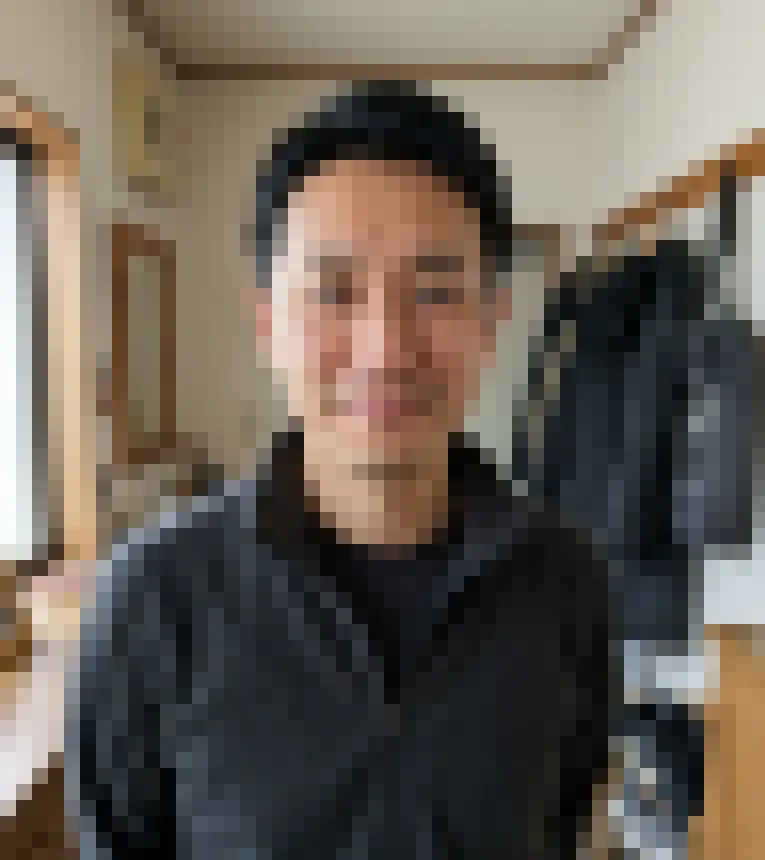 After
How to pixelate an image in four steps
To pixelate image files here, one slider does the work. The preview redraws while you drag, so there is no apply button.
- 1
Add a photo
Click the upload box or drag a JPG, PNG or WebP file onto it, up to 20 MB. Photos wider or taller than 2400 px are scaled down to that long side first; smaller ones keep their size.
- 2
Drag the block size
Block size runs from 2 to 80 px and starts at 16. Low values give a fine mosaic, high values turn the picture into a few dozen chunky squares. Reset settings puts it back to 16.
- 3
Compare with the original
Press and hold the preview, or hold the Space key, to see the photo before the pixelate image filter. Let go and the blocks come back.
- 4
Download the PNG
The Download PNG button saves a file named after your photo with -pixelate-image added. It costs nothing, has no watermark, and there is no sign-in or limit on how many photos you pixelate.
What it means to pixelate an image
A grid of squares, each one filled with a single color.
Pixelating lays a grid of squares over the picture and fills each square with the average color of the pixels inside it. A 16 by 16 block holds 256 different pixels before the filter and one flat color after it. Bigger blocks mean fewer squares and less detail.
The grid starts in the top left corner. When the block size doesn't divide the width or height evenly, the last column or row of blocks is narrower.
This pixelate image tool runs that arithmetic on a canvas in your browser. There is no AI involved, so nothing is invented: every block is a real average of your own pixels.
Made for
- Anyone hiding a face or a screen before posting
- Retro game and pixel art fans
- Designers after a mosaic texture
- Teachers and bloggers blanking out details
Pixelate image block sizes compared
Block size counts pixels of the working image. Big photos are scaled to 2400 px on the long side; smaller ones keep their size.
| 2 px | 16 px (default) | 40 px | 80 px | |
|---|---|---|---|---|
| Blocks across a 2400 px wide photo | 1200 | 150 | 60 | 30 |
| Blocks across a 1200 px screenshot | 600 | 75 | 30 | 15 |
| A face 400 px wide becomes | 200 blocks, still sharp | 25 blocks, still recognizable | 10 blocks, a rough likeness | 5 blocks, a few skin-toned squares |
| Text in a screenshot | Readable | Large headings may still read | Mostly unreadable | Averaged into 80 px blocks |
| Good for | A subtle texture seen up close | A clear mosaic look | Abstract posters, game-style art | Hiding what the picture shows |
Before you share a pixelated photo
A pixelate image edit only hides something if the result is checked. Run through these first.
- Keep the original file, because the pixelated PNG can't give the detail back.
- Zoom out to thumbnail size and check that faces, signs and screens are still unreadable.
- For a face that must stay hidden, Blur face's Black box style replaces the detected face with solid black.
- Cover names, phone numbers and license plates with a solid shape in an editor, since short pixelated text can sometimes be guessed.
- If only the faces need hiding, use Blur face instead, because this page pixelates the whole photo.
- Convert iPhone HEIC photos to JPG before you start; only JPG, PNG and WebP open here.
- Choose a block size that divides the photo's width evenly if you want no narrow strip on the right edge.
More filters
Frequently asked questions
An image is pixelated when its single pixels, or blocks of them, are big enough to see as squares. That can be a deliberate effect, like this filter, or a flaw from enlarging a small picture. Pixilated, spelled with an i, is a different and older word for silly or dazed.
The process is called pixelation, sometimes pixelization, and the censoring use is often called a mosaic. A pixelated picture is also described as blocky, jagged or low-res, though low-res only fits the accidental kind.
No. Pixelated edges turn into hard steps of squares; blurry edges fade softly into each other. A blurry photo was usually out of focus or moving when it was taken, while a pixelated one was enlarged too far or filtered on purpose. For a soft look instead of squares, use Blur image.
Because block size is measured in pixels. Photos are scaled so the long side is at most 2400 px, and the PNG is saved at that size: a 6000 x 4000 camera photo comes out at 2400 x 1600. A 1200 px screenshot is not scaled up, so 16 px blocks cover twice as much of it. Judge by how many blocks cross the part you care about, not by the slider number.
No. Accidental pixelation comes from stretching a small image past its real size, for example blowing up a thumbnail or printing a low-resolution photo large. This page has no upscaling or sharpening; it only makes blocks bigger, on purpose. For a cleaner print, go back to the original file or a higher-resolution copy.
Not on this page: it pixelates the whole photo, and there is no brush or selection box. For faces, open Blur face and choose its Pixelate style. It finds faces on its own; in our tests it caught 12 of 13 faces across three photos, so look over the result before you share it.
The saved PNG keeps only one average color per block, so the detail inside each square is not in the file. That doesn't make every pixelation safe. Small blocks leave outlines readable, and some guides say short text such as a number can be guessed by pixelating likely candidates and comparing the blocks. Use large blocks for faces and a solid cover for names and numbers.
No. Browser filters process your photo on your device and never upload it. The filter runs on a canvas in your browser tab, and when we watched the network during testing, no request carried the photo. The PNG is drawn fresh from the canvas, so camera details and GPS location from the original are not copied into it. Close the tab and the photo is gone.
Yes, once it is a JPG, PNG or WebP. HEIC, the iPhone camera default, is not accepted, so convert it first or set the camera to save as Most Compatible. Phone photos load the right way up, because the rotation stored in the file is applied.
Partly. Large blocks give the grid, but every block keeps the photo's own average color, so there is no limited palette. For the console look, download the pixelated PNG and open it in Dither, which has Handheld green, CGA and 8 colors palettes.